
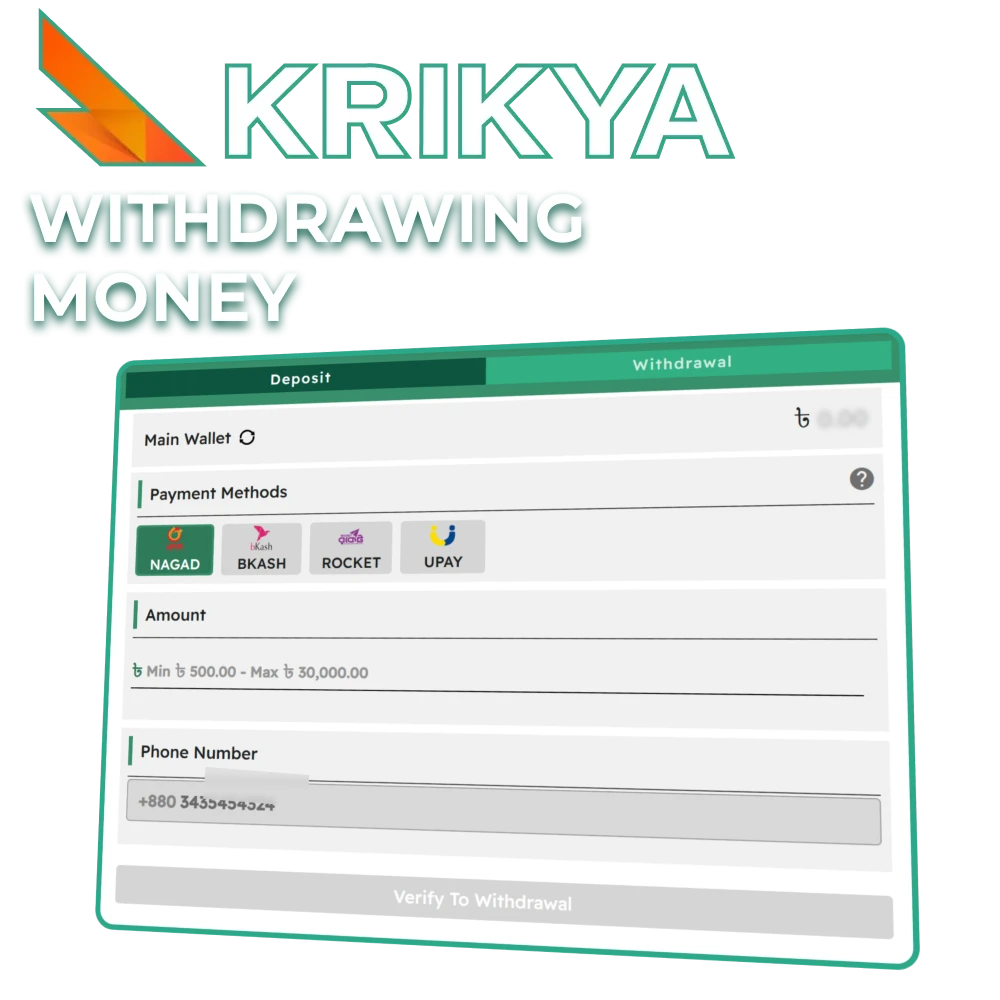
How to Withdraw Money from Krikya
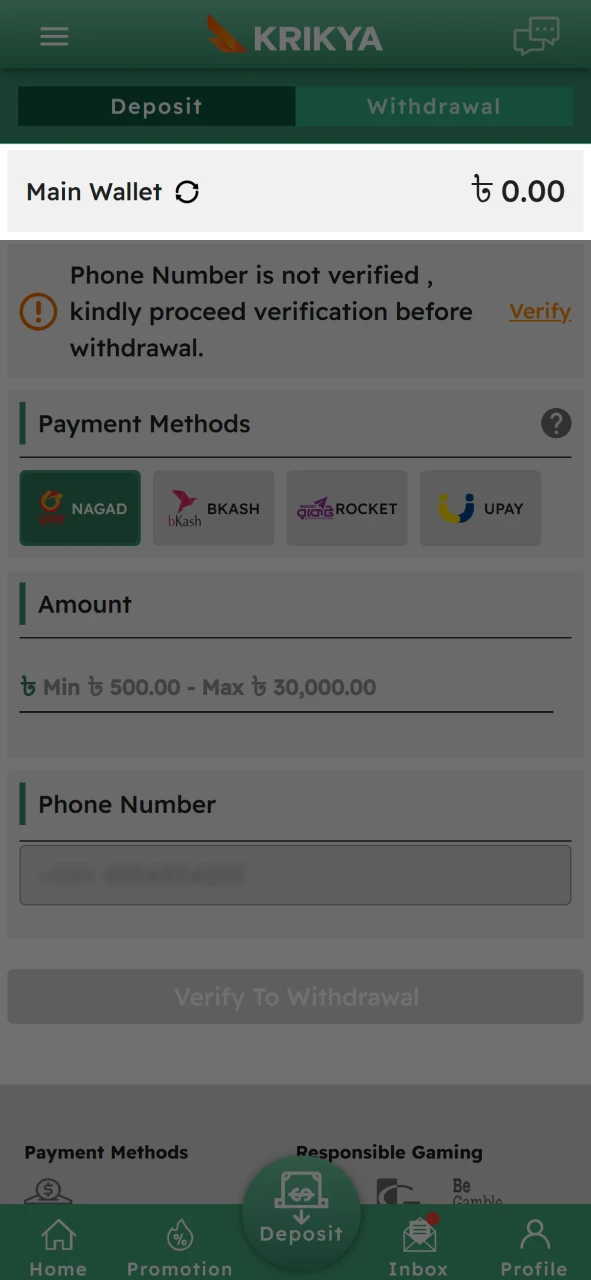
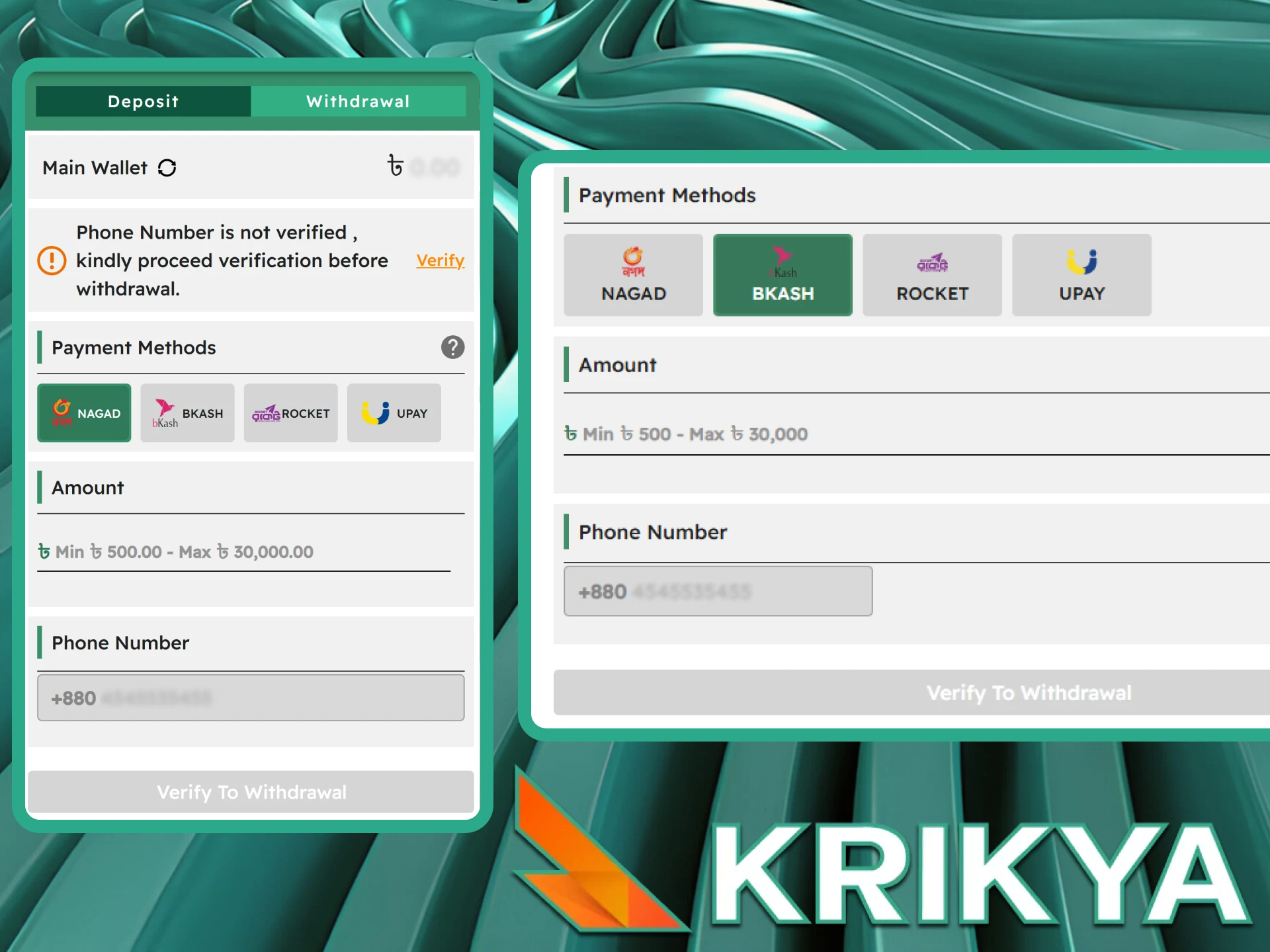
Getting your money out of Krikya is a straightforward process that only takes a few moments. If you're unsure how to navigate the cashier section, just follow these simple steps.
1 Open a checkout
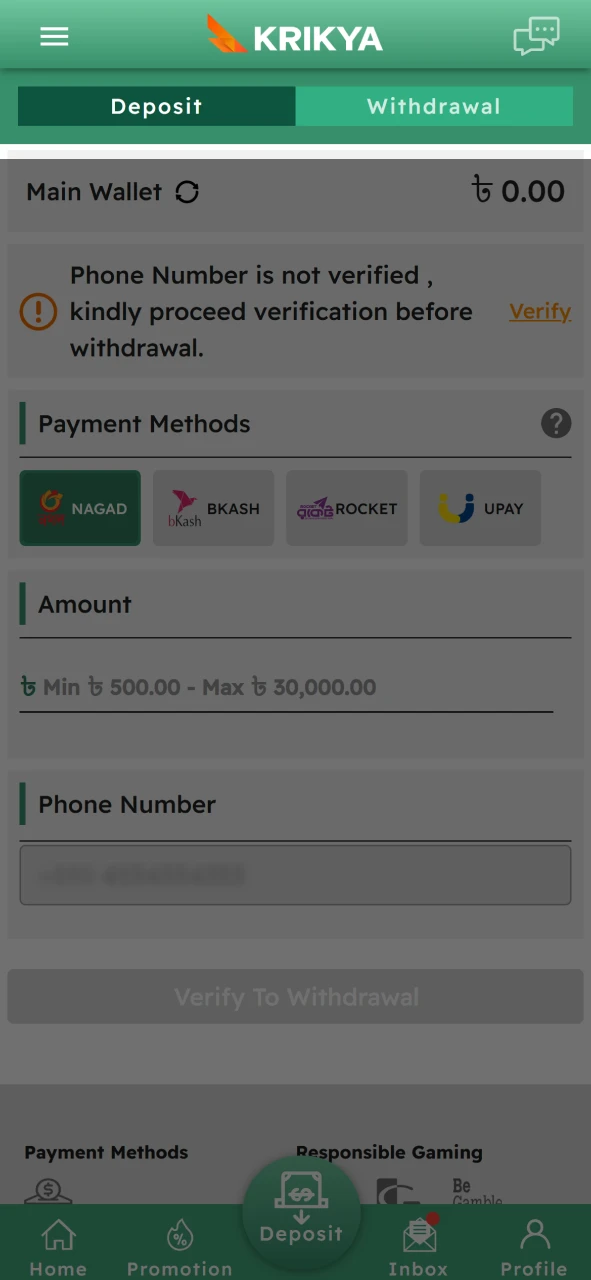
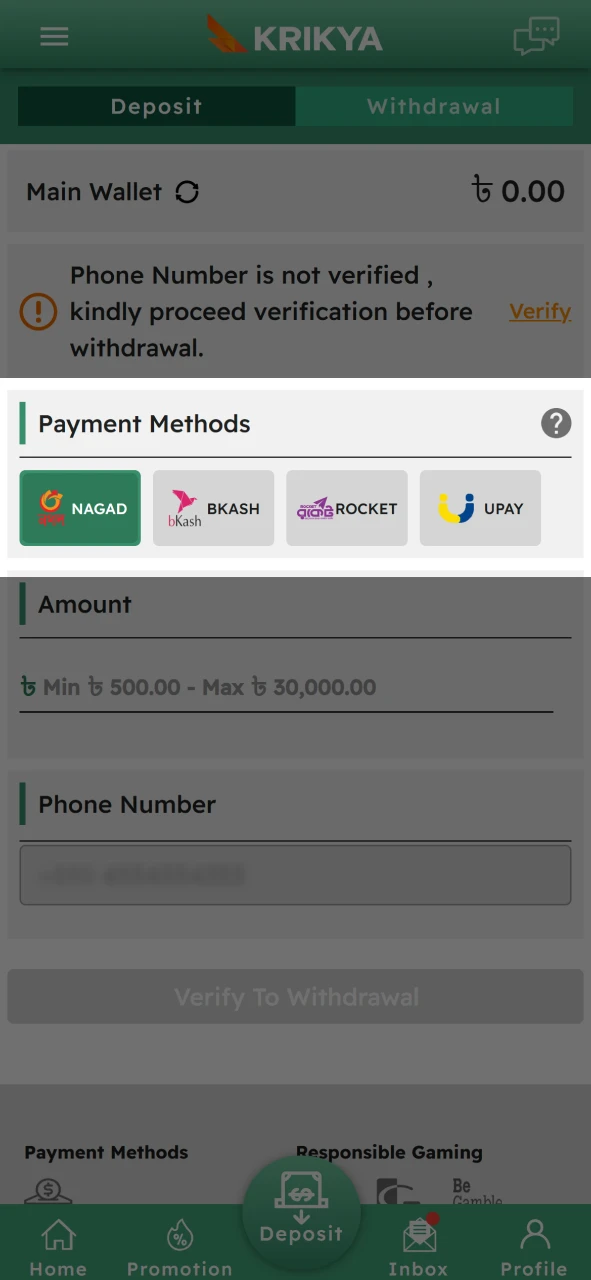
2 Specify a payment system
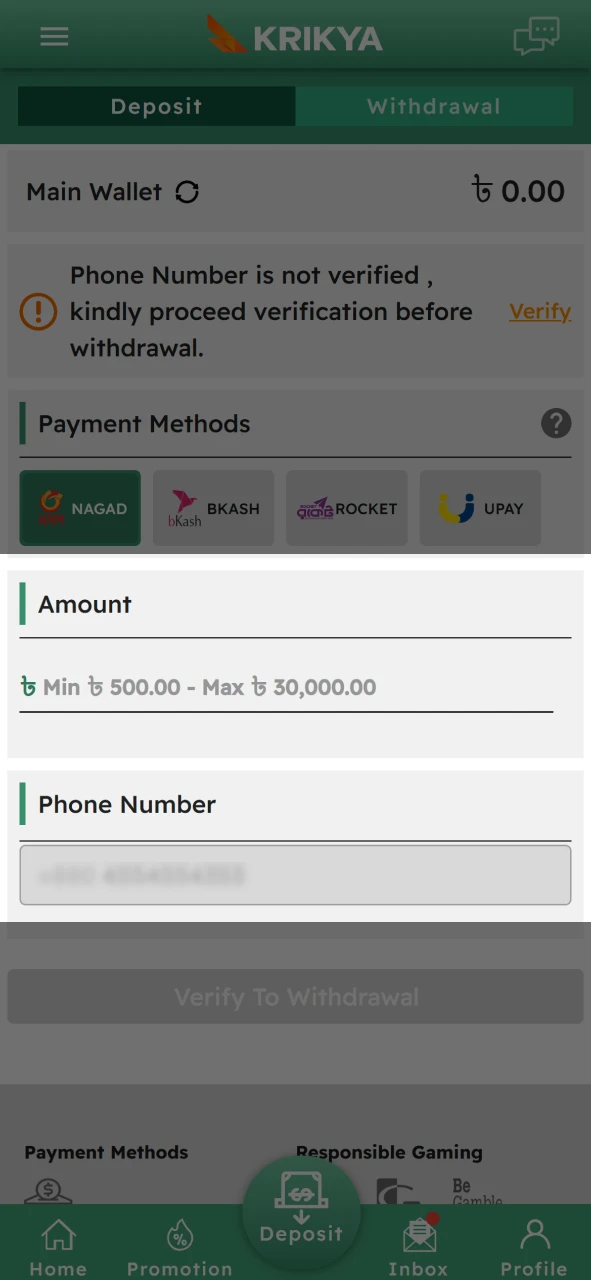
3 Fill in the fields
4 Wait for the withdrawal
Payment Systems
You can find a full list of supported payment options in the cashier's section, where the transaction limits are also listed. Once you pick a service, the minimum and maximum caps for deposits and withdrawals will be displayed. For example, the maximum deposit is 200 BDT, while the minimum amount you can withdraw is 800 BDT.
| Service | Minimum deposit, BDT | Maximum deposit, BDT | Minimum withdraw, BDT | Maximum withdraw, BDT |
|---|---|---|---|---|
| Bkash | 200 | 30,000 | 800 | 30,000 |
| Nagad | 500 | 25,000 | 800 | 30,000 |
| Rocket | 200 | 30,000 | 800 | 30,000 |
| Upay | 200 | 30,000 | – | – |
| FastPay | 200 | 30,000 | – | – |
While the betting platform itself doesn't charge any fees for transactions, the payment provider you use might. We recommend reviewing the third-party service's terms before finalizing your withdrawal.
Withdrawal Conditions
To keep the platform secure and prevent fraudulent activity, Krikya asks all users to adhere to a few basic guidelines when requesting a payout. Here are the rules you need to know:
- Funds can only be sent to accounts that belong to you. Using payment details registered to another person is strictly forbidden.
- Withdrawals are handled one by one. If you have multiple requests, they will be processed sequentially in the order they were received.
- Please keep in mind that every payment provider has its own specific transaction limits that must be followed.
- If the security team notices anything unusual about a transaction, they may reach out and ask you to complete a verification process.
After you submit your request, it is handled automatically by the system before being sent to the finance department for final approval.
Withdrawal Transaction Details
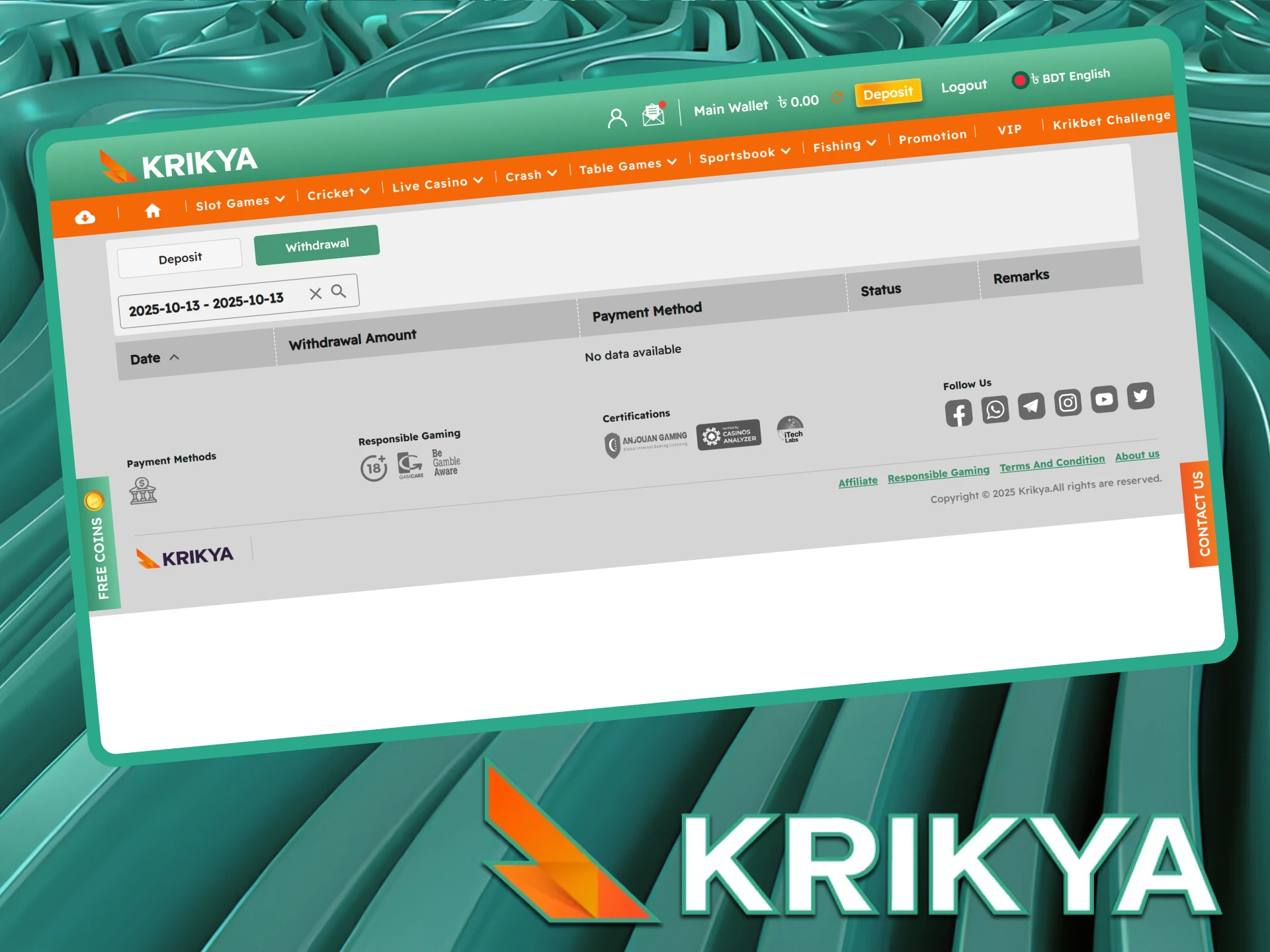
The withdrawal history section provides a detailed breakdown of every transaction, helping you manage your budget and stick to responsible gaming habits. This data updates in real-time for your peace of mind. Here is what the transaction details mean:
- Transaction ID: The unique reference number assigned to your transfer.Transaction ID. A number of the transaction;
- Amount Withdrawn: The total sum of money you requested to take out.Amount Withdrawn. The amount withdrawn by the user;
- Payment Method: The specific service or wallet used for the transfer.Payment Method. The method used for withdrawal;
- Date: The exact day the transaction was initiated.Date. The date the transaction was carried out.
- Status: Whether your request is currently pending, has been successfully completed, or was cancelled.Status. The current status of the transaction (pending, successful, cancelled).
- Processing Time: How long it took for the system to handle your request.Processing Time. The time taken to process the request;
- User ID: Your personal account identification number.User ID. The unique identifier of the user;
- Currency: The specific currency used for the transaction.Currency: The currency in which the transaction was conducted.
FAQ
Can I withdraw BDT?
Yes, the currency is automatically set during the registration process. You can both deposit and withdraw your winnings in BDT.registration. You can receive winnings and withdraw them in BDT.
Can I withdraw BDT to a wallet in another currency?
Yes, that is possible, but please be aware that a currency conversion fee will apply. The exchange will be calculated based on the current market rate.
What to do if money did not come?
Your funds should arrive within 7 days. If the money hasn't reached your account by then, please get in touch with our support team immediately.support.
Can I transfer money between accounts?
No, that option is unavailable. The system only supports standard deposits and withdrawals.